 WooCommerce
 WooCommerce
The Integrate Google Drive plugin with WooCommerce compatibility enables administrators to authorize users to upload and download files from various page locations.
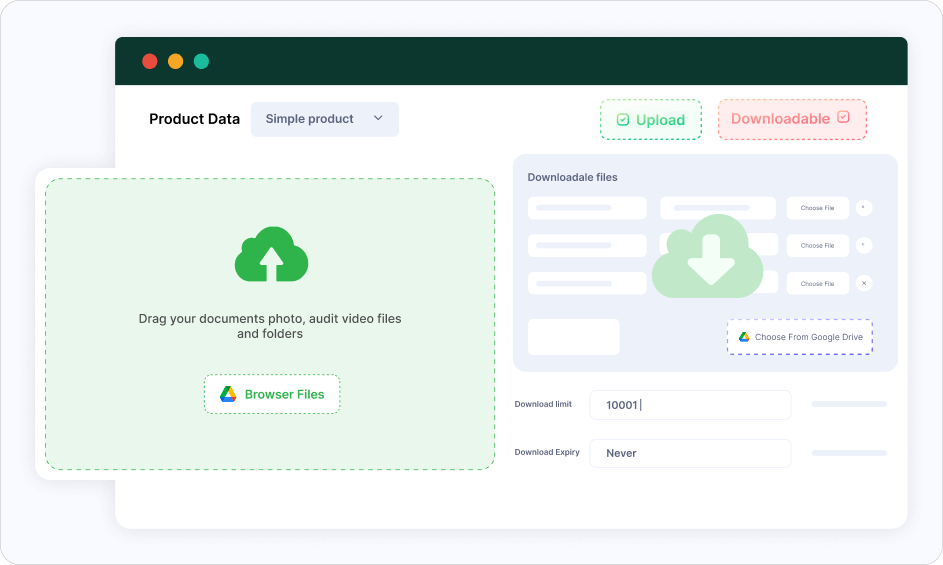
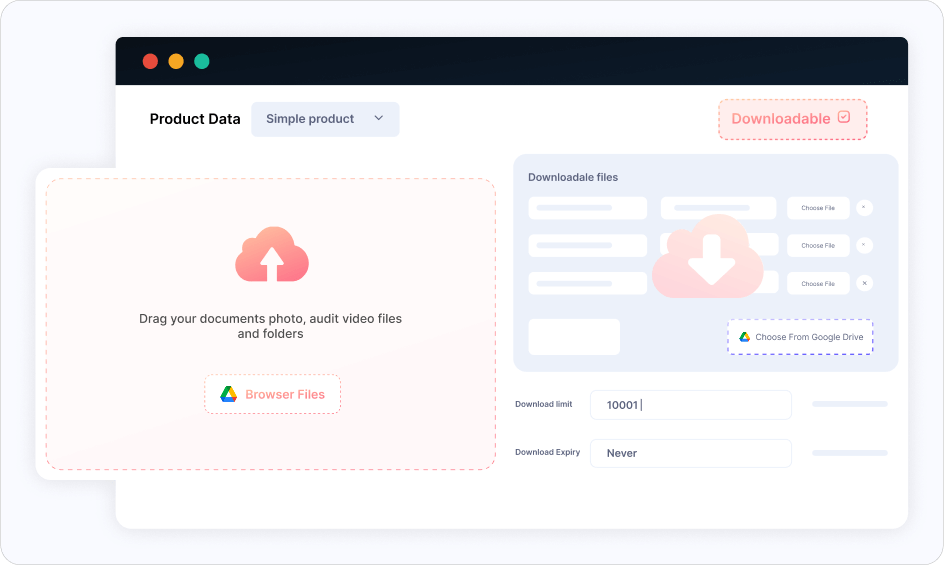
Downloadable Google Drive Products
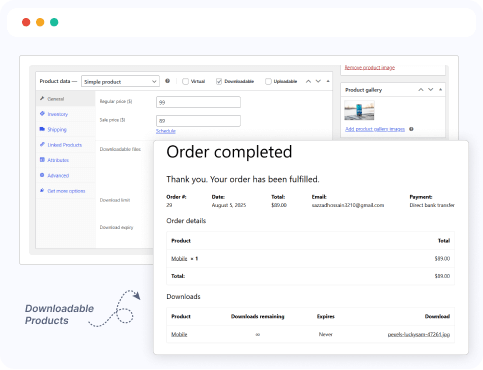
Sell digital products stored in Google Drive directly through your WooCommerce store. Link Drive files as product downloads and deliver them securely to customers after purchase.
Google Drive Upload Field based on Order Status
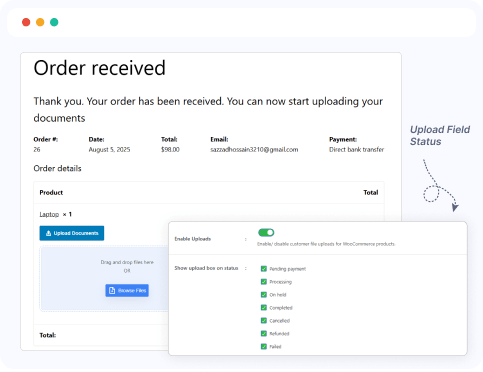
Show or hide the Google Drive file upload field on the order details page based on the order status. Ideal for collecting additional files from customers only when specific conditions are met.
Google Drive Upload Field based on Page Locations
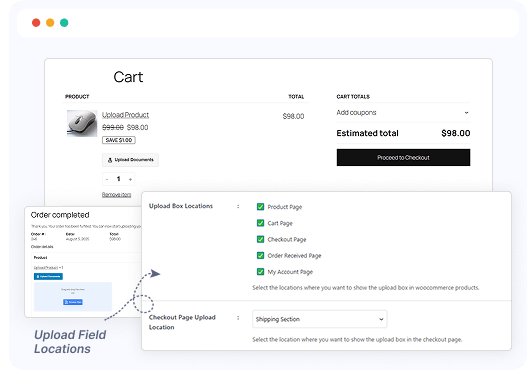
Display the Google Drive upload field on specific pages of your site—like product pages, checkout, thank you, or account pages. Control exactly where users can upload files, tailored to your workflow.
Dokan
 Dokan
DokanThe Dokan compatibility allows store owners to enable download & upload on the specific product page. Also, they can allow Dokan Vendors to manage & monitor their allowed store access.
Downloadable Google Drive Products
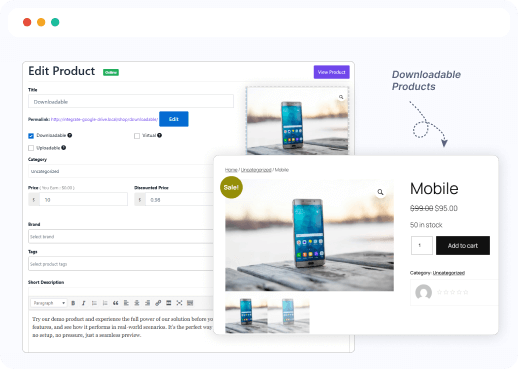
Allow Dokan vendors to use their Google Drive files as downloadable products. Vendors can securely link Drive files to their digital products and sell them through your multi-vendor marketplace with ease.
Google Drive Upload Field based on Order Status
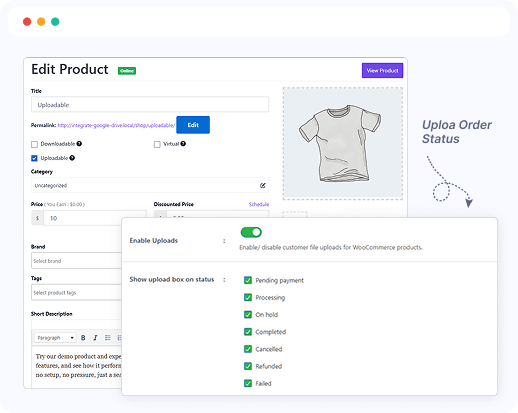
Enable Dokan vendors to show or hide the Google Drive upload field on order details based on the order status. This helps vendors collect files from customers at the right stage, like after payment or during processing.
Google Drive Upload Field based on Page Locations
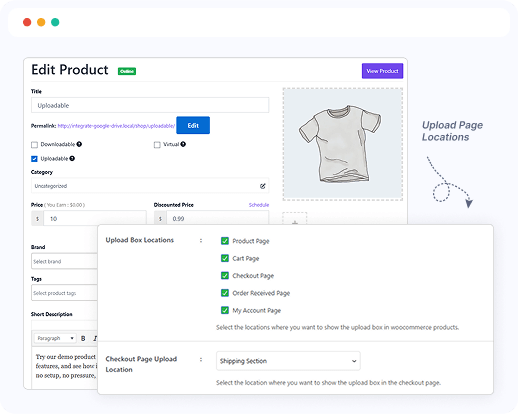
Let Dokan vendors display Google Drive upload fields on specific pages like product, checkout, thank you, or account pages. This gives vendors control over when and where customers can upload files during their purchase journey.
Media Library Integration
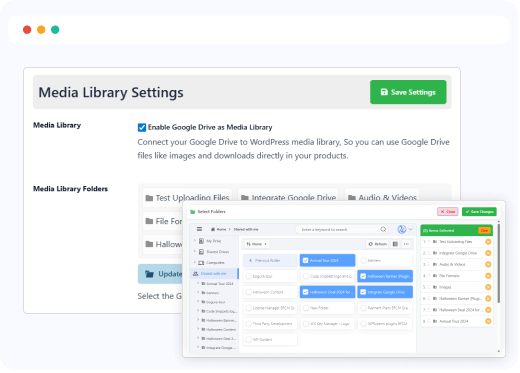
Give Dokan vendors access to a powerful, Google Drive-connected Media Library right from their vendor dashboard. Vendors can browse, select, and reuse previously uploaded files without re-uploading—perfect for streamlining product management.
Ready to Integrate Google Drive into Your Website?
Best Google Drive cloud solution plugin for WordPress to integrate your Google Drive files directly into your WordPress Website.