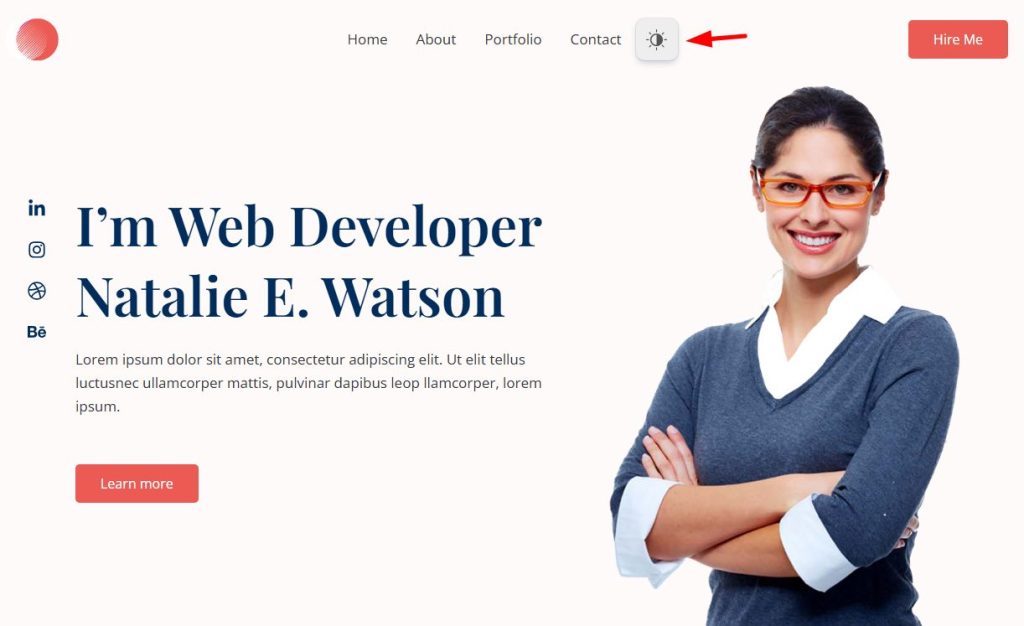
The Dark Mode toggle button in the menu can be an easy interacting option & time-consuming dark mode enabling or disabling feature for visitors. You can display the toggle button in any of your website menus.
You can display the position at to start or end of any menu. Choose from our attractive button styles and display them in your menu. So that users can easily interact with the menu and enable dark mode.
- Navigate to Dracula > Settings > Toggle Switch.
- Under Menu Toggle, enable Display Toggle In Menu.
- Click on the Open Menu Settings button.
- You can also set Menu Toggle Size in different ways.

Customize Menu Settings
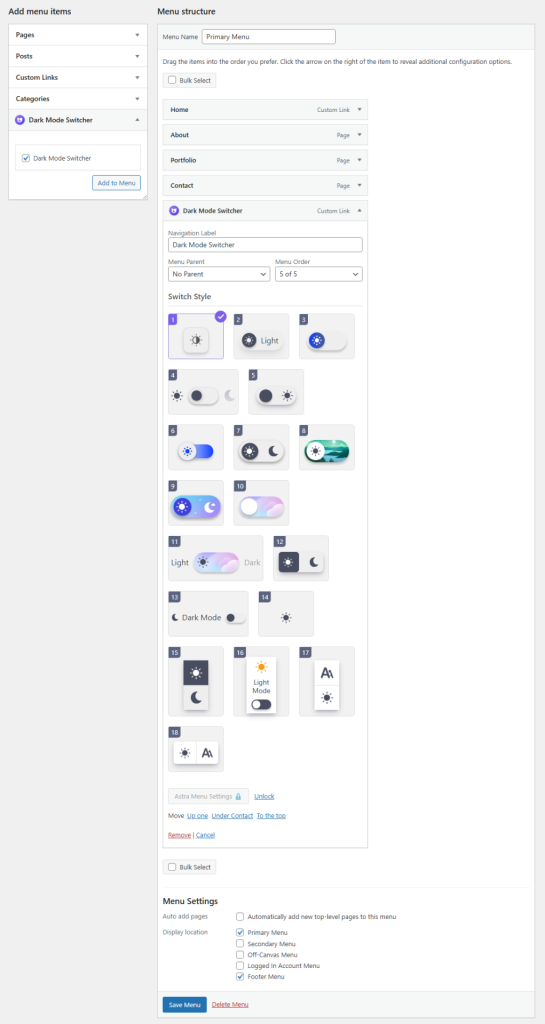
- You will be redirected to the theme Menu settings.
- Select Switch Style and customize other settings.
- Save Changes.
Output