Sharing direct preview and download links for Google Drive files can enhance user experience and accessibility. These links allow easy access to your files, enabling users to preview or download content directly.
Share Direct Preview Link
- Navigate to any file through Google Drive’s file browser.
- Right-click on the preferred file.
- Click on the Direct Link option.
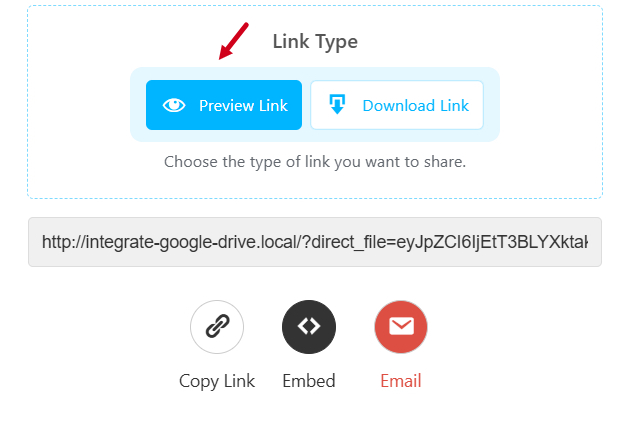
- Select Preview Link & Copy the URL.
- Paste inside your web browser.
- This link will allow users to preview the file in Google Drive’s native embedded preview mode.
Share Download Link
- Navigate to any file through Google Drive’s file browser.
- Right-click on the preferred file.
- Click on the Direct Link option.
- Select Download Link & Copy the URL.
- Paste inside your web browser.
- This link will allow users to download the file directly.
